
Job match Chrome extension
Save, track and improve while you browse. Install the extension to save jobs instantly and get quick insights on your fit and what to improve before you apply.
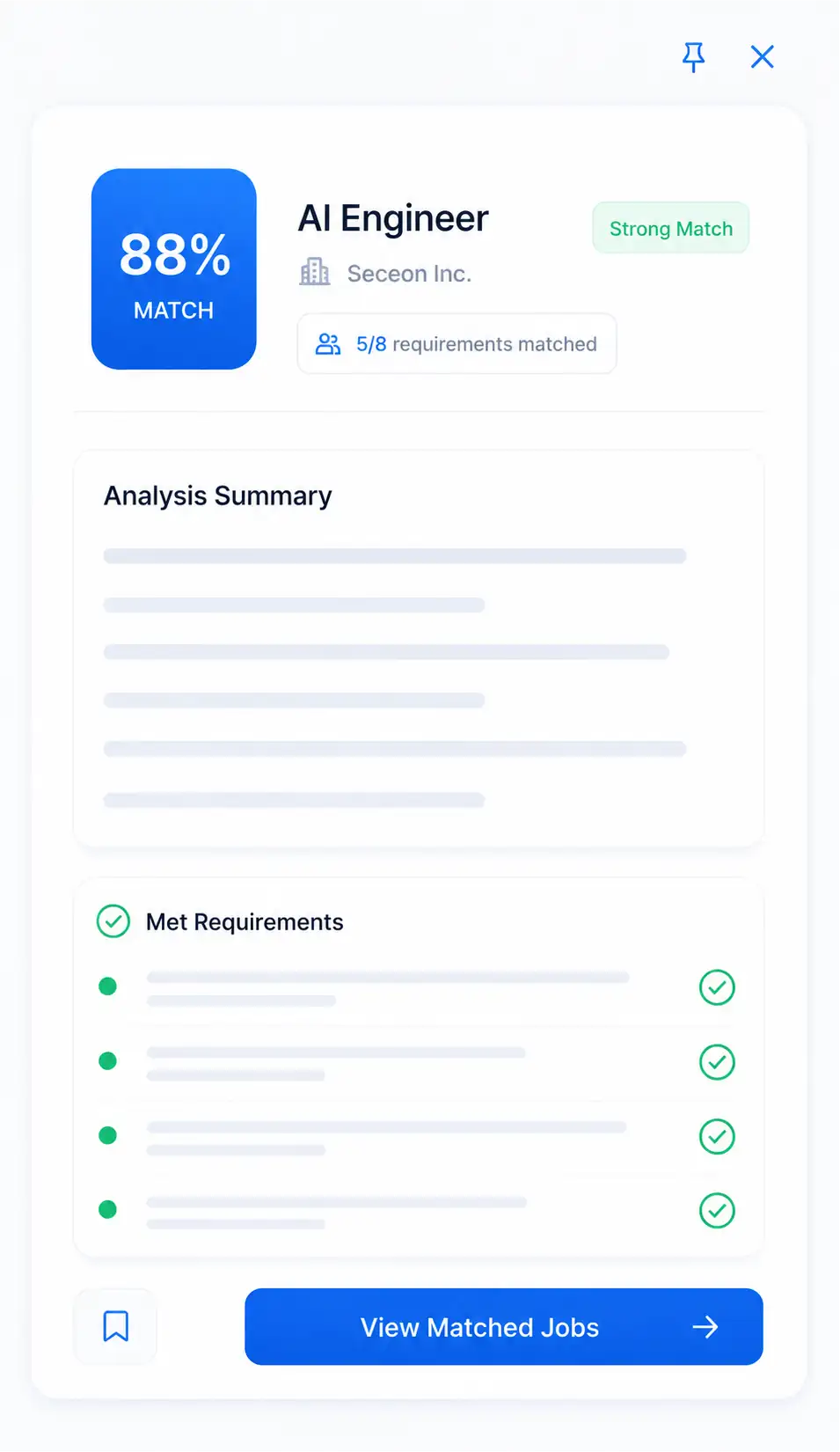
What it does
- Match score for the job you are viewing
- Checklist of the job's requirements
- Save the job to your tracker in one click
- Works across 50+ job boards
How it works
- Step 1
Add to Chrome
Install the extension from the Chrome Web Store.
- Step 2
Open any job
See your match score and how you meet the requirements.
- Step 3
Save it
Send the role to your tracker and decide if it is worth applying.
What you get for free
Start on the free plan with no card needed, then upgrade when you need more. Compare plans and prices.
- 5 extension uses on the free plan
- Unlimited extension uses with Premium
Frequently asked questions
Yes. The free plan includes 5 extension uses; Premium unlocks unlimited use.
A match score for the role, an analysis summary and a checklist of the job requirements, plus a button to save the job to your tracker.
Google Chrome, from the Chrome Web Store.
Related guides
Job Fit Score Chrome Extension: Check a Role Before Applying
Stop guessing which UK jobs are worth an evening. See how a browser extension shows your fit score, missing keywords and sponsor status before you apply.
Why UK Job Applications Get No Reply and How to Fix It
Applying to roles that look perfect and hearing nothing? Learn why UK applications stall, how to spot jobs you can realistically win, and what to change.